Can You Run Deep Live Cam on a Steam Deck? The Portable AI Reality
Can You Run Deep Live Cam on a Steam Deck? The Portable AI Reality
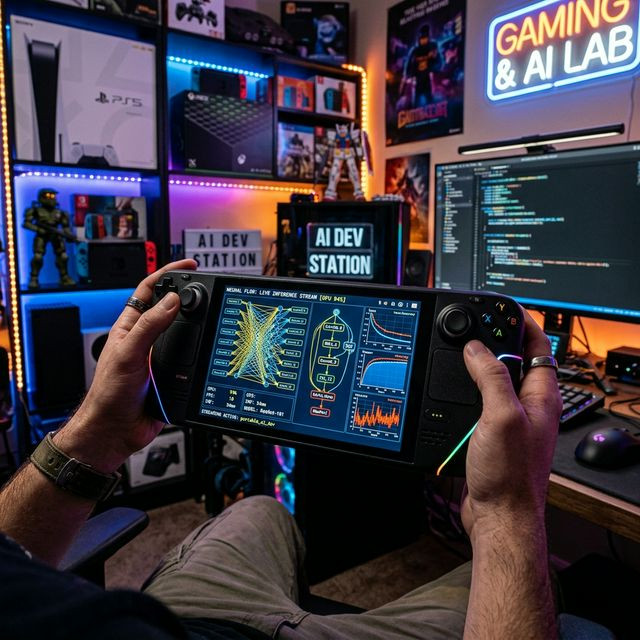
The Valve Steam Deck is an engineering marvel. Disguised as a portable gaming handheld, it is fundamentally a fully functional Linux computer powered by a bespoke AMD APU. As creators realize they hold a highly optimized PC in their hands, the inevitable question arises: Can you turn a Steam Deck into a portable, pocket-sized AI face-swapping broadcast center?
The Linux Arch Challenge
Deep Live Cam is natively built to run across platforms. Because the Steam Deck operates on SteamOS (a Linux derivative), you can theoretically install Python, PyTorch, and the necessary dependencies via the terminal in Desktop Mode. It bypasses the bloated Windows registry entirely, offering a remarkably clean coding environment.
The Hardware Reality
The major hurdle is the architectural hardware. The Steam Deck lacks an NVIDIA graphics chip, meaning CUDA integration is impossible. You must rely on CPU execution or attempt to force AMD's experimental ROCm framework into compatibility. The APU processes the `inswapper` math surprisingly well for a handheld device, but there are massive compromises:
- You will be capped at extremely low resolutions (360p or 480p inputs).
- GFPGAN or CodeFormer upscaling will crash the device immediately due to shared, limited unified RAM.
- The internal fan will scream at maximum RPM, violently draining the battery in less than 40 minutes.
While completely impractical for a professional Twitch stream, proving that advanced generative AI can execute locally on a 15-watt handheld gaming device is a monumental testament to the sheer optimization of modern neural research.


