How to Extract Target Faces from Crowded Group Photos Perfectly
How to Extract Target Faces from Crowded Group Photos Perfectly
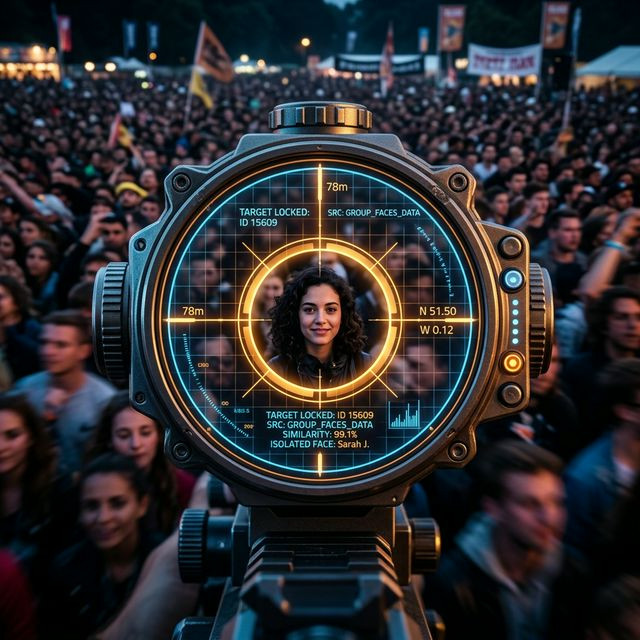
When you feed a source image into Deep Live Cam, the underlying mapping agent looks for the most prominent object featuring two eyes and a mouth. If you feed it a group photo from a football stadium or a crowded party, the AI panics. It might grab the face of the person standing behind your intended target, or worse, try to average multiple faces together, creating an abomination. Perfect extraction is mandatory for zero-shot synthesis.
The Indexing Dilemma
Advanced versions of `inswapper` allow for facial indexing (e.g., selecting Face #0, Face #1, Face #2 from an image moving left to right). However, this adds unnecessary computational confusion and relies on the AI correctly interpreting depth layers.
The Hard Crop Protocol
Never feed raw, unedited group photos into a deep learning system. The AI calculates its bounding box dynamically. If there's excess noise, it loses precision. Follow this strict protocol before loading your source:
- Open the image in any native editing software (Photoshop, or even Windows Snipping Tool).
- Crop a tight square exactly around your target's head. The chin should rest near the bottom edge, and the top of the hair near the upper edge.
- Ensure no other human skin or partial background faces (like posters on a wall) exist within the cropped square.
- Save the isolated file as a high-quality `.PNG` to preserve pixel density.
By spoon-feeding the neural network an undeniable, isolated target, you eliminate alignment interpretation errors, guaranteeing the mask that forms on your webcam is exactly the individual you intended it to be.


