Manipulating the Machine: Modifying AI Expressions in Deep Live Cam
Manipulating the Machine: Modifying AI Expressions in Deep Live Cam
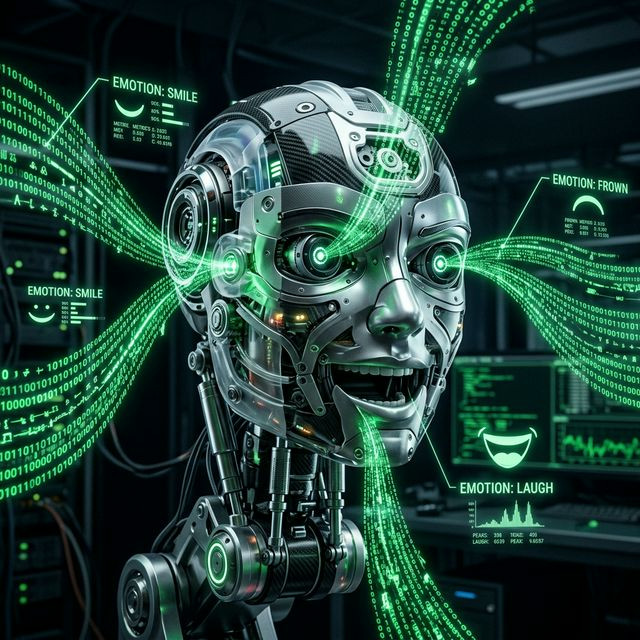
Directly transferring human expressions onto a digital face is an imperfect science. Often, users complain that their Deep Live Cam output looks "dead inside" or that the AI is diluting their charismatic smiles into slight smirks. Understanding how to aggressively manipulate your own expressions to effectively "drive" the neural network is a crucial skill for advanced creators.
The Amplification Requirement
When the `inswapper` neural network decodes your webcam feed, it tends to "normalize" extreme geometrical shifts to prevent the mask from glitching out. This normalization inherently dampens your expressions. If you smile normally, the AI interprets it as a neutral face.
To overcome this, you must become a stage actor. You must heavily exaggerate your natural facial movements. To make the AI smile naturally on camera, you must grin intensely behind your monitor. Open your eyes wider than necessary to convey shock. Treat your physical face as a heavy joystick that requires extreme directional input to maneuver the AI puppet.
Input Tuning and Lighting Geometry
The AI determines the shape of your mouth based on the shadows casting around your lips. If your room is dimly lit, the AI cannot differentiate between a closed mouth and a slightly parted one. By positioning a harsh light source directly beneath your chin or slightly above your forehead, you enhance the contrast around your eyes and mouth, providing the tracking model with drastically superior data points. Proper lighting results in dramatically more expressive and emotive deepfake streams.

