Optimizing Deep Live Cam Latency for Competitive Esports Streaming
Optimizing Deep Live Cam Latency for Competitive Esports Streaming
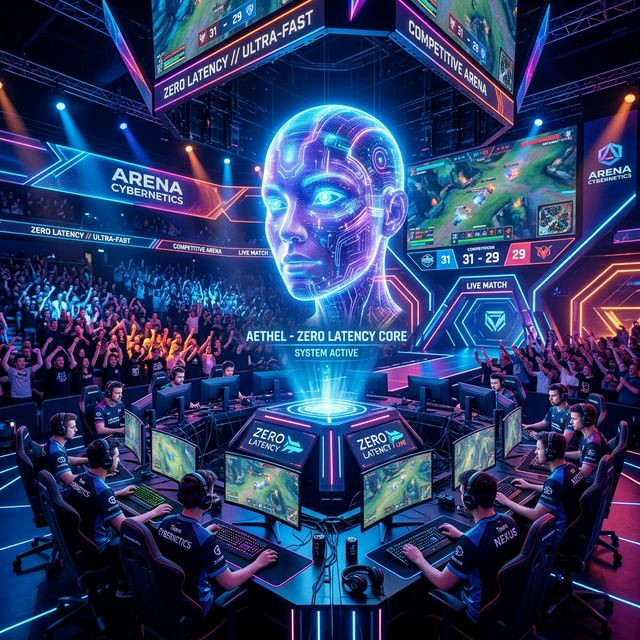
Streaming a casual vlog is vastly different from streaming competitive Valorant or League of Legends. In esports, milliseconds dictate victory. If a streamer leans heavily into AI modification, the GPU is violently split between rendering the 240Hz video game and executing deep neural networks for the webcam overlay. Improper configuration will result in immediate input lag, destroying the streamer's mechanical aim.
The Dreaded GPU Resource Conflict
Windows inherently prioritizes the foreground application (the video game). When an intensive title demands 99% of your GPU cycles, Deep Live Cam is starved of resources. When the AI model starves, the webcam feed drops to 5 FPS, creating a jarring, broken visual experience for the viewers.
Capping the Frame Ceiling
The ultimate solution is forced resource allocation. You *must* artificially limit the video game's frame rate. If your monitor operates at 144Hz, physically cap the game engine at 144 FPS (or use Nvidia Control Panel to enforce a global cap). This ensures the GPU never hits 100% utilization, leaving a sustained 10-15% overhead strictly dedicated to continuous AI webcam processing.
Dual-PC Broadcasting Rig
For elite professionals making a living through anonymous AI streaming, the Dual-PC setup is non-negotiable. The "Gaming PC" runs the title uninhibited, while a secondary "Streaming PC" intercepts the capture card data and dedicates its entire GPU exclusively to running Deep Live Cam, OBS, and Twitch chat overlays, resulting in zero added latency to your mouse inputs while maintaining a photorealistic 60FPS digital mask.


